Build your checklists
Set up department-defined items for unit types and daily, weekly, monthly, or shift checks.
PFE Apps / Apparatus checks
Give every authorized member a clear readiness check. Failed items become trackable deficiencies, so issues do not disappear between shifts.
Available now
Set up department-defined items for unit types and daily, weekly, monthly, or shift checks.
Members record pass or fail results and details; failed items create deficiencies for follow-up.
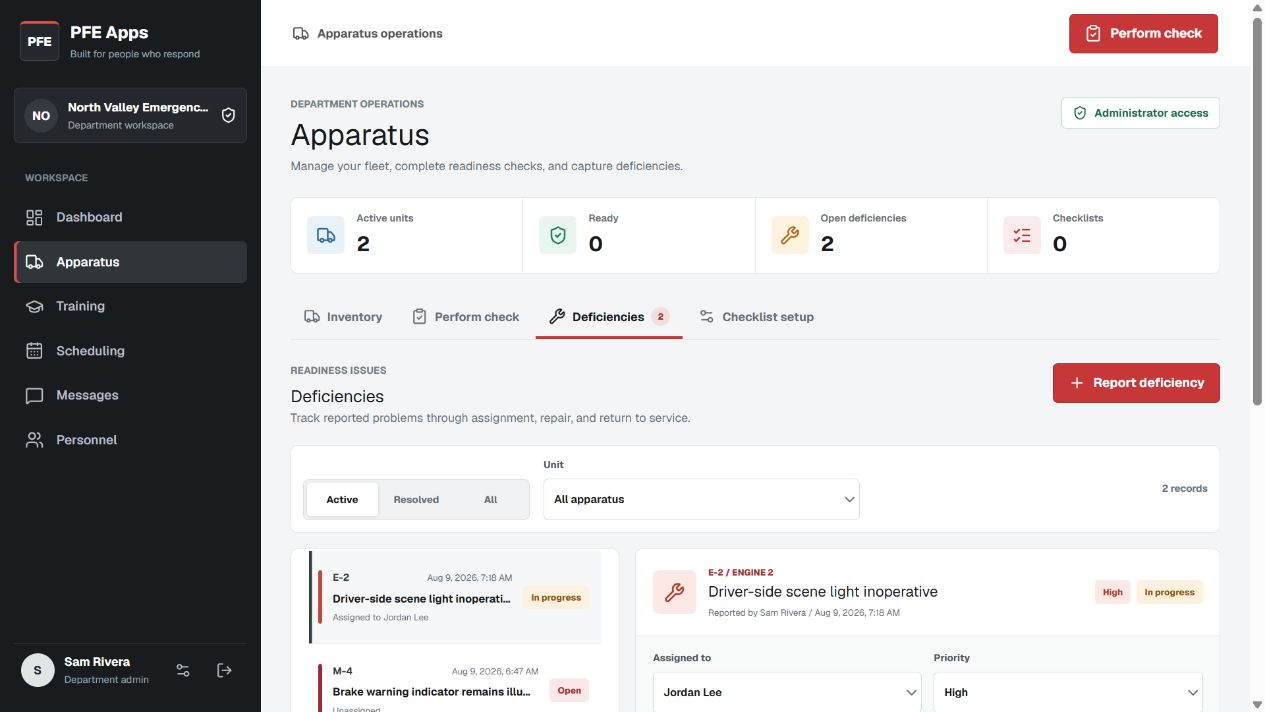
Assign and prioritize issues, update apparatus service status, and preserve the resolution history.
How it works
Departments choose which modules to enable. Apparatus checks can be used alongside training, scheduling, and the rest of the PFE Apps workspace.
Administrators define apparatus and the check items that apply to them.
Members work through the list and submit their results with a certification.
The deficiency queue keeps ownership, priority, status, and follow-up visible.